
Home / Video tutorials
Video tutorials for Gcodai
- 20 lessons
- 40 min total
- 1–3 min each
- In Thai, Thai captions
These videos are recorded in Thai with Thai on-screen captions. Every button and step is shown on screen, so you can follow along by watching, and the lesson notes below are in English.
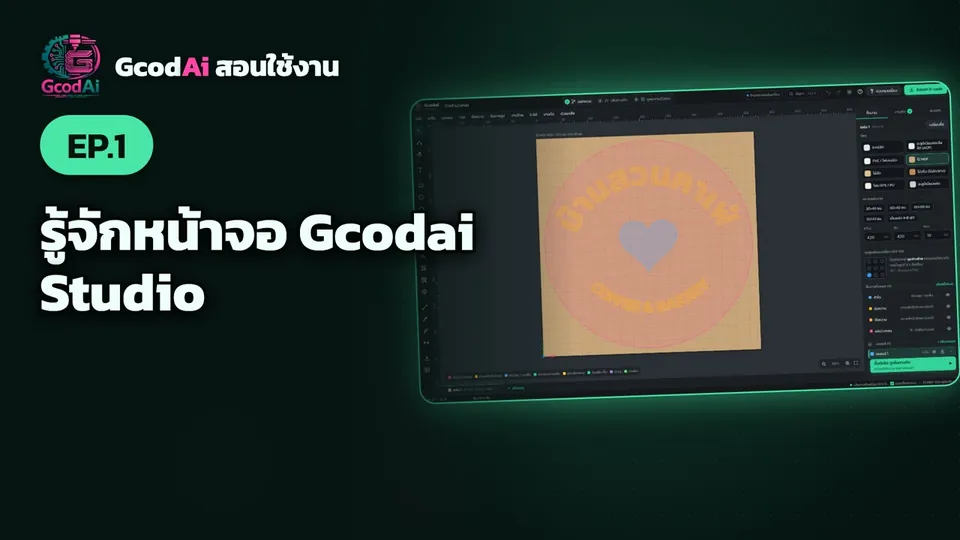
In this lesson you will learn
- The top bar and the 3 main steps of a job
- Menus, toolbar and the sheet
- The right panel and the Next step button
Chapters click to jump to that part
This basics series teaches Gcodai Studio one lesson at a time: opening the app for the first time, setting up your machine, typing text, drawing shapes, importing files, choosing machining jobs and checking the 3D simulation, all the way to a G-code file ready to cut, followed by advanced lessons: 3D relief sculpting, Thai-pattern signs, LED layout, nesting, 3D slat walls, advanced export, 3D sign letters, wave textures and drilling, pro pockets and profile cuts, installing the app. Every step is recorded from the real app screen. Watch them in order, or pick any lesson from the list. The narration and captions are in Thai, but every click is visible on screen.
Done watching? Try it yourself
Runs in your browser, nothing to install. Sign up free and try every feature.